Claude Code vs Codex CLI: Which Should You Use? (2026)
Both tools put an AI coding agent in your terminal. Both read your repo, edit files, run commands and fix their own mistakes. So which one should you actually use? Here is everything you need to know, based on each company's own documentation.
Pick in 10 Seconds
Answer these and you will likely have your pick:
- Already pay for ChatGPT and want a free start? Try Codex CLI first.
- Already pay for Claude Pro or Max? Claude Code is included, so start there.
- Want the most ways to run agents in parallel and schedule work? Claude Code has more built-in options.
- Want an open source CLI? Codex CLI is open source and built in Rust.
- Not sure? Many developers keep both installed and use whichever fits the task.
Side-by-Side Comparison
| Claude Code | Codex CLI | |
|---|---|---|
| Made by | Anthropic | OpenAI |
| Where it runs | Terminal, VS Code, JetBrains, desktop app, web, mobile | Terminal, IDE extensions, desktop app, cloud |
| Default model | Opus 5.5 on most plans | GPT-6.1 Sol (since Sept 29) |
| Model switching | /model (aliases: opus, sonnet, haiku, fable, opusplan) | /model |
| Project instructions | CLAUDE.md (can also read AGENTS.md) | AGENTS.md |
| Config file | settings.json | ~/.codex/config.toml |
| Parallel work | Subagents, /batch, background agents | Subagents |
| Non-interactive mode | claude -p | codex exec |
| Open source | Not stated in docs | Yes, built in Rust |
| Free access | No (needs a paid plan or API) | Yes, basic Codex use on the free plan |
Pricing and Access
Claude Code is not on the free Claude plan. You need Pro, Max, Team, Enterprise or a Console account (or a third-party provider such as Amazon Bedrock).
| Claude plan | Price | Claude Code |
|---|---|---|
| Free | $0 | Not included |
| Pro | $20/month ($17 billed annually) | Included |
| Max | From $100/month | Included, with 5x to 20x more usage |
| Team / Enterprise | Per seat | Included |
Codex works through ChatGPT plans or an API key. Per OpenAI's pricing page at the time of writing:
| ChatGPT plan | Price | Codex |
|---|---|---|
| Free | $0 | Basic Codex use |
| Go | $8/month | Lightweight coding tasks |
| Plus | $20/month | Multiple coding sessions per week |
| Pro | From $100/month (tiers at $100, $200, $500) | Much higher limits |
| Business | $20/user/month (annual) | Team access with admin controls |
Both companies change plans often, so check the pricing pages before you buy. For India-specific Claude pricing, see our guide to Claude Pro price in India.
Models
Claude Code defaults to Opus 5.5 on most plans. You can switch inside a session with /model:
sonnet(Sonnet 5.5) for everyday codingopusfor complex reasoningfablefor long, complex tasksopusplanto plan with Opus and then execute with Sonnet
Claude Code also lets you set an effort level (low to max) and offers a 1M-token context window on several models.
Codex CLI uses GPT-6.1 Sol as its default model since v0.159.1. You can still switch with /model. Codex usage is shown as messages per five-hour window, and the amount depends on the model: OpenAI lists GPT-6 Astra at 5 to 45 messages, GPT-6.1 Sol at 15 to 160, and GPT-6 Luna at 350 to 3,000 for Plus and standard Business plans. Fast modes use more of your limit.
Setup and Install
Claude Code:
curl -fsSL https://claude.ai/install.sh | bash(macOS, Linux, WSL. Windows PowerShell and CMD have their own commands.) If your terminal says the command is missing afterward, see our Claude Code command not found fix, and for login errors see Claude unable to authenticate.
Codex CLI:
npm install -g @openai/codexYou can also use Homebrew or a standalone installer. Our Codex CLI setup guide covers the details.
Safety and Permissions
Both tools ask before risky actions, and both let you tune how much freedom the agent has.
- Codex CLI offers approval modes and sandbox modes. In its default setup it asks before riskier commands, and OpenAI recommends reviewing what the agent does.
- Claude Code uses a permission system for tools and commands. Its sandboxing feature works on macOS, Linux and WSL 2, but not on native Windows, according to Anthropic's setup page.
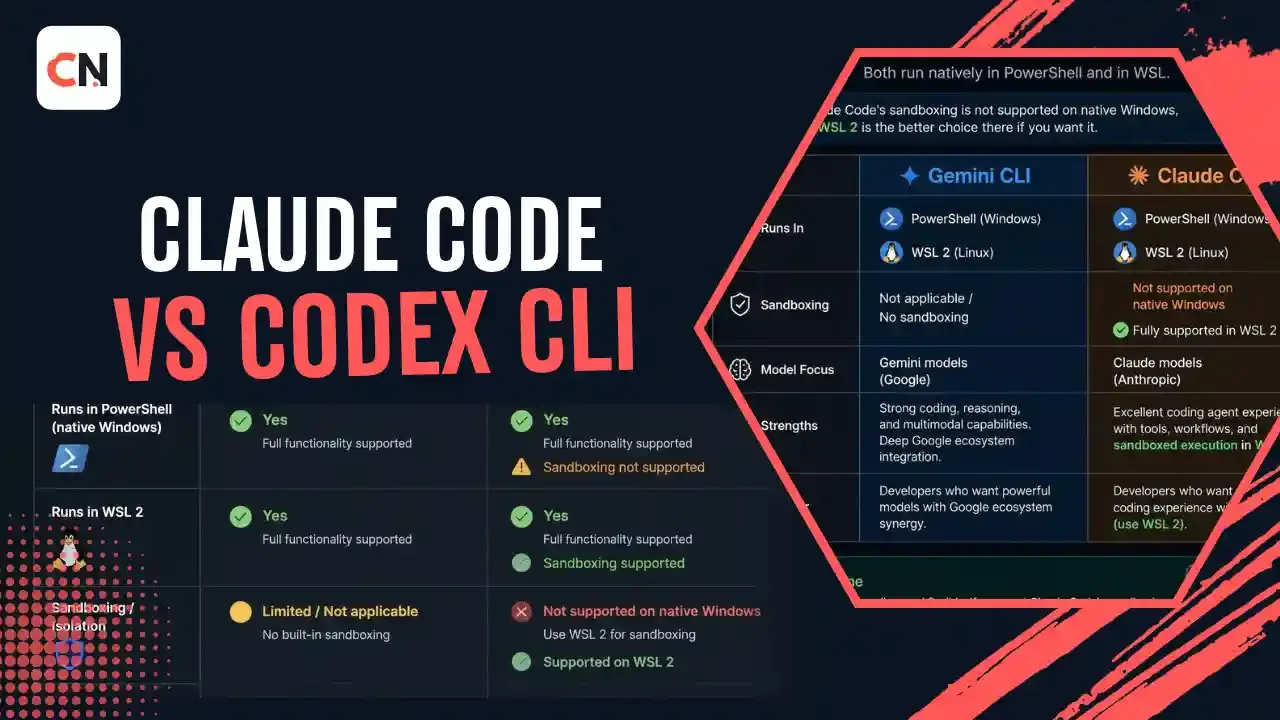
On Windows, both can run natively in PowerShell, or inside WSL if you want a Linux environment.
Parallel Agents and Automation
This is where the two differ most in what is documented.
Claude Code has several built-in ways to work in parallel and on a schedule:
- Subagents that work on different parts of a task
/batch, which splits a big change into 5 to 30 independent units and runs each in its own git worktree after you approve a plan- Background agents you can watch from one screen
/loopfor repeating a prompt, plus Routines that run in the cloud on a schedule- Hooks, skills and plugins for custom workflows
Codex CLI supports subagents, MCP tools, web search, image input and code review. For scripts and CI, codex exec runs a task non-interactively.
Want to run an agent until its tests pass? Read our guide to the Ralph Wiggum technique for Claude Code.
Customization
Both read a markdown file in your repo that tells the agent how to work. Claude Code uses CLAUDE.md and can also read an existing AGENTS.md, so a repo set up for one can usually serve the other. Both support MCP servers to connect outside tools. Claude Code adds hooks, skills and plugins, and Codex adds its config.toml for models, approvals and MCP.
Which Should You Choose?
| If you... | Lean toward |
|---|---|
| Already pay for ChatGPT | Codex CLI |
| Already pay for Claude Pro or Max | Claude Code |
| Want to try an agent for free first | Codex CLI |
| Need scheduled or cloud-run tasks | Claude Code |
| Run big migrations across many files | Claude Code (/batch) |
| Want an open source CLI | Codex CLI |
| Work in JetBrains or on mobile too | Claude Code |
| Want one tool for scripts and CI | Either (claude -p or codex exec) |
There is no single winner. Results also depend on your codebase, your tests and your prompts, so try both on a real task before you commit. Curious how far these tools can go? See how Codex handled routine junior developer work in our earlier test.
Latest Updates
- Sept 29: Codex CLI v0.159.1 made GPT-6.1 Sol the default model, and v0.159.0 added instant interrupt. See our Codex CLI update breakdown.
- Oct 1 to 5: Codex CLI v0.160.0 and v0.160.1 added history browsing, improved Guardian reviews and fixed Windows issues.
- Now: Claude Code's
/modelaliases include Opus 5.5, Sonnet 5.5 and Fable 5.1, and its/goalcommand keeps working until a condition you set is met.
Frequently Asked Questions
Is Claude Code better than Codex CLI?
Neither is better for everyone. Claude Code has more built-in options for parallel agents and scheduling, while Codex CLI is open source and has a free starting point. Test both on your own project.
Is Codex CLI free?
The CLI itself is free and open source. You pay through a ChatGPT plan or API usage, though OpenAI lists basic Codex use on its free plan.
Is Claude Code free?
No. It needs a Pro, Max, Team or Enterprise plan, a Console account, or a supported third-party provider.
Can I use both Claude Code and Codex CLI?
Yes. They install separately and can work in the same repo. Claude Code can read an AGENTS.md file, which makes a shared setup easier.
Which one has a bigger context window?
Claude Code supports a 1M-token window on several models, such as Sonnet 5.5. Check the current limits for your Codex model in OpenAI's documentation.
Which works better on Windows?
Both run natively in PowerShell and in WSL. Claude Code's sandboxing is not supported on native Windows, so WSL 2 is the better choice there if you want it.

Sia is the co-founder of Corenexis and one of the earliest voices shaping its editorial direction. With years of hands-on experience covering AI and technology, she has been writing about the digital world long before it became everyone's favorite topic — and she still does it better than most.
View all posts by Sia →
0 Comments
Community guidelines
We want the comments to be useful for every reader. Every comment is reviewed before it is published. A comment will not be approved if it is:
Keep it genuine and on-topic and it will be approved quickly. Thank you for helping keep the discussion clean.