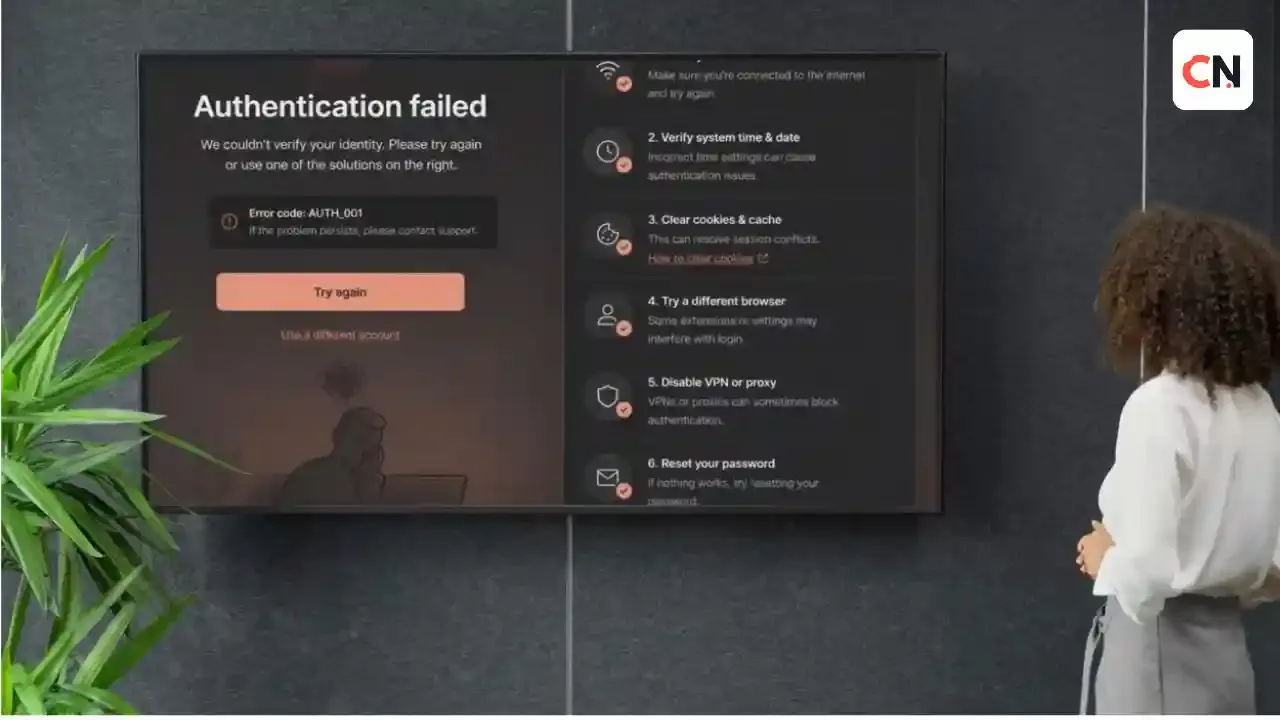
Claude "Unable to Authenticate": How to Fix Login Errors on Claude.ai, Desktop and Claude Code
Seeing "unable to authenticate" or a similar login error in Claude is frustrating, because the message rarely says what went wrong. The cause depends on where you are signing in: the Claude website, the desktop app, or Claude Code in a terminal.
This guide follows Anthropic's own support pages and Claude Code documentation. Find your error in the table first, then jump to the fix.
Find Your Error
| What you see | Where it happens | Go to |
|---|---|---|
| "There was an error logging you in" | Claude.ai | Claude.ai fixes |
| Login email never arrives | Claude.ai | Missing email |
| "We were unable to verify you with this link" | Desktop app | Desktop app |
| "Not logged in", "Please run /login", "OAuth token has expired" | Claude Code | Not logged in |
| "OAuth error: Invalid code" | Claude Code | Invalid code |
| "API Error: 403 Request not allowed" | Claude Code | 403 error |
| "This organization has been disabled" with an active plan | Claude Code | API key conflict |
| Browser opens on the wrong machine | WSL2, SSH, containers | Remote Login |
Quick Checks Before You Start
These take a minute and solve many cases:
- Open status.claude.com and check for an active incident.
- Make sure your device clock is accurate. Claude Code's token validation depends on correct timestamps.
- Try the same account on another device or in a private browser window.
If the status page shows an outage, wait for it to clear before you change anything.
Fix 1: Generic Login Error on Claude.ai
If you see a general error such as "There was an error logging you in," Anthropic recommends these steps:
- Turn off your VPN. Anthropic says to make sure you are not using a VPN when you access Claude.
- Disable browser extensions. Switch off active extensions, then try again.
- Clear your browser's cache and cookies.
- Check status.claude.com if the problem continues.
Fix 2: The Login Email Does Not Arrive
Claude does not use passwords. You sign in with Google or with an email link, so a missing email blocks you completely.
- The email subject is "Secure link to log in to Claude.ai."
- Check spam or junk folders for messages from @mail.anthropic.com, and add that sender to your safe list.
- Wait a few minutes and request the link again.
- If you use a work email, your IT team may need to allow the message through its security filter.
If you open the link on a different device than the one you started on, you get a verification code to type into the original device. Use the same device when you can, because the link then logs you in automatically.
Fix 3: "Unable to Verify You With This Link" (Desktop App)
Some users report this message in the Claude desktop app while signing in works in a browser. One public GitHub report describes it on Windows 10 with both Google sign-in and email codes, and the issue was later closed as fixed. Anthropic has not published an official troubleshooting page for this exact message, so try these steps in order:
- Update the desktop app to the latest version.
- Sign in on claude.ai in your browser to confirm your account works.
- Sign out of the desktop app completely, restart it, and try again.
- Use the email code option instead of the link if the app offers it.
Fix 4: "Not Logged In" or Token Expired (Claude Code)
Messages such as "Not logged in · Please run /login," "Login expired" or "OAuth token has expired" mean your session ended. According to Anthropic's docs:
- Run
/logininside Claude Code and sign in again. - If it keeps happening, check that your system clock is correct.
If login still fails and the cause is unclear, do a clean re-authentication:
- Run
/logout. - Close Claude Code.
- Start it again with
claudeand complete the sign-in.
If the browser does not open on its own, press c to copy the sign-in URL and paste it into a browser yourself.
macOS users: Claude Code stores credentials in the login Keychain. If the Keychain is locked or out of sync, it may save your login to a plain file instead, and some logins can fail. Run claude doctor to check, and look for a warning that starts with "macOS Keychain is not writable." To unlock it:
security unlock-keychain ~/Library/Keychains/login.keychain-dbThen run claude doctor again. If the warning remains, open Keychain Access, select the login keychain, and use Edit > Change Password for Keychain "login" to match your account password. Finish with /logout and /login. Note that logging out removes saved MCP server logins and plugin secrets, so you will need to enter them again.
Fix 5: "OAuth Error: Invalid Code" (Claude Code)
This means the login code expired or was cut off when you pasted it. Anthropic suggests:
- Press Enter to retry and finish the login quickly after the browser opens.
- Type
cto copy the whole URL if the browser does not open automatically. - On a remote or SSH session, copy the URL from the terminal and open it in the browser on your own computer.
Fix 6: 403 Forbidden After Login (Claude Code)
If you see "API Error: 403 Request not allowed," check these:
- Claude Pro or Max users: Confirm your subscription is active in your claude.ai settings.
- Anthropic Console users: Confirm your account has the "Claude Code" or "Developer" role. An admin assigns this in the Console under Settings, then Members.
- Behind a proxy: A corporate proxy can block API requests, so ask your IT team about the proxy settings.
If you see "Claude Code access has not been granted for this account," your Claude Enterprise organization likely gave you a Custom role without Claude Code access. Only an Owner of your organization can fix it, by assigning a role that includes Claude Code.
Fix 7: "Organization Has Been Disabled" With an Active Subscription
If you pay for Claude but see "This organization has been disabled," an old ANTHROPIC_API_KEY is probably overriding your subscription. This often happens when a key from a previous job or project is still set in your shell profile.
On macOS or Linux:
unset ANTHROPIC_API_KEY
claude
On Windows PowerShell:
Remove-Item Env:ANTHROPIC_API_KEY
claude
To make it permanent, remove any export ANTHROPIC_API_KEY=... line from ~/.zshrc, ~/.bashrc or ~/.profile. On Windows, also check your PowerShell profile and your User environment variables. Run /status inside Claude Code to confirm which sign-in method is active.
Fix 8: Login Fails in WSL2, SSH or Containers
In these setups the browser usually opens on a different machine, so it cannot send the login result back to Claude Code. After you sign in, the browser shows a code. Paste that code into the terminal at the "Paste code here if prompted" prompt.
If the browser does not open from WSL2, set the BROWSER variable to your Windows browser:
export BROWSER="/mnt/c/Program Files/Google/Chrome/Application/chrome.exe"
claude
If pasting does nothing in the interactive prompt, use this command, which reads the pasted code from standard input:
claude auth loginOther Errors You May See
| Message | What it means | Fix |
|---|---|---|
| Invalid API key | The key is wrong, revoked or malformed | Run /status, check for a stray ANTHROPIC_API_KEY, or regenerate the key in the Console |
| Your organization has disabled API key authentication | Your org requires subscription sign-in | Run /login |
| Your organization has disabled Claude subscription access | Your org allows only API or enterprise sign-in | Use an API key or ask your admin |
| Your account is on hold and can't use Claude Code | Anthropic's safety systems restricted the account | Visit claude.ai/restricted to view details or appeal |
| OAuth token refresh failed | Remote Control session expired | Run /login, then /remote-control |
Still Stuck?
Run claude doctor in your terminal for an automated diagnostic report. Inside a session, /doctor gives a setup checkup, and /feedback reports the problem to Anthropic. For account or billing problems, sign in at claude.ai, click your initials in the lower left, and choose Get help.
If your plan is the issue, see our guides on Claude Pro pricing in India and what Claude Sonnet 5 offers before you decide on a subscription.
Frequently Asked Questions
Why does Claude say "unable to authenticate"?
The most common causes are an expired login, a VPN or browser extension blocking the sign-in, an old API key overriding your subscription, or a temporary Claude outage. The right fix depends on where you are signing in.
How do I fix Claude Code not logged in?
Run /login and sign in again. If it keeps failing, run /logout, close Claude Code, restart it with claude, and sign in once more.
Does Claude have a password?
No. Anthropic says Claude does not support passwords. You sign in with Google or with a secure email link.
Why am I not getting the Claude login email?
Check your spam folder for messages from @mail.anthropic.com, add that sender to your safe list, wait a few minutes and try again. Work email users may need help from IT.
What does "OAuth error: Invalid code" mean?
The login code expired or was copied incompletely. Retry quickly after the browser opens, or press c to copy the full sign-in URL.
Why do I see "This organization has been disabled" when I pay for Claude?
An ANTHROPIC_API_KEY environment variable is probably overriding your subscription. Unset it and run claude again.
How do I log in to Claude Code over SSH or in WSL2?
Open the sign-in URL in a browser on your own computer, then paste the code it shows into the terminal. You can also run claude auth login.
How do I check if Claude is down?
Open status.claude.com and look for an active incident before you change any settings.

Sia is the co-founder of Corenexis and one of the earliest voices shaping its editorial direction. With years of hands-on experience covering AI and technology, she has been writing about the digital world long before it became everyone's favorite topic — and she still does it better than most.
View all posts by Sia →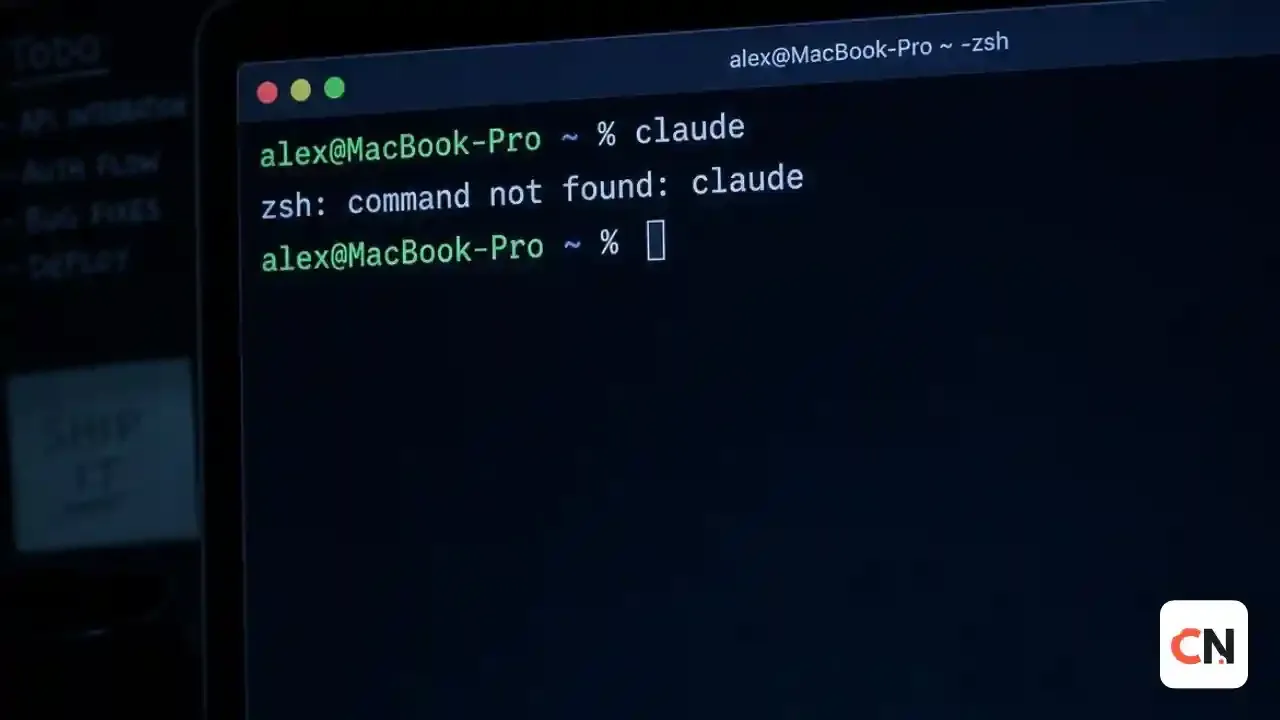
0 Comments
Community guidelines
We want the comments to be useful for every reader. Every comment is reviewed before it is published. A comment will not be approved if it is:
Keep it genuine and on-topic and it will be approved quickly. Thank you for helping keep the discussion clean.