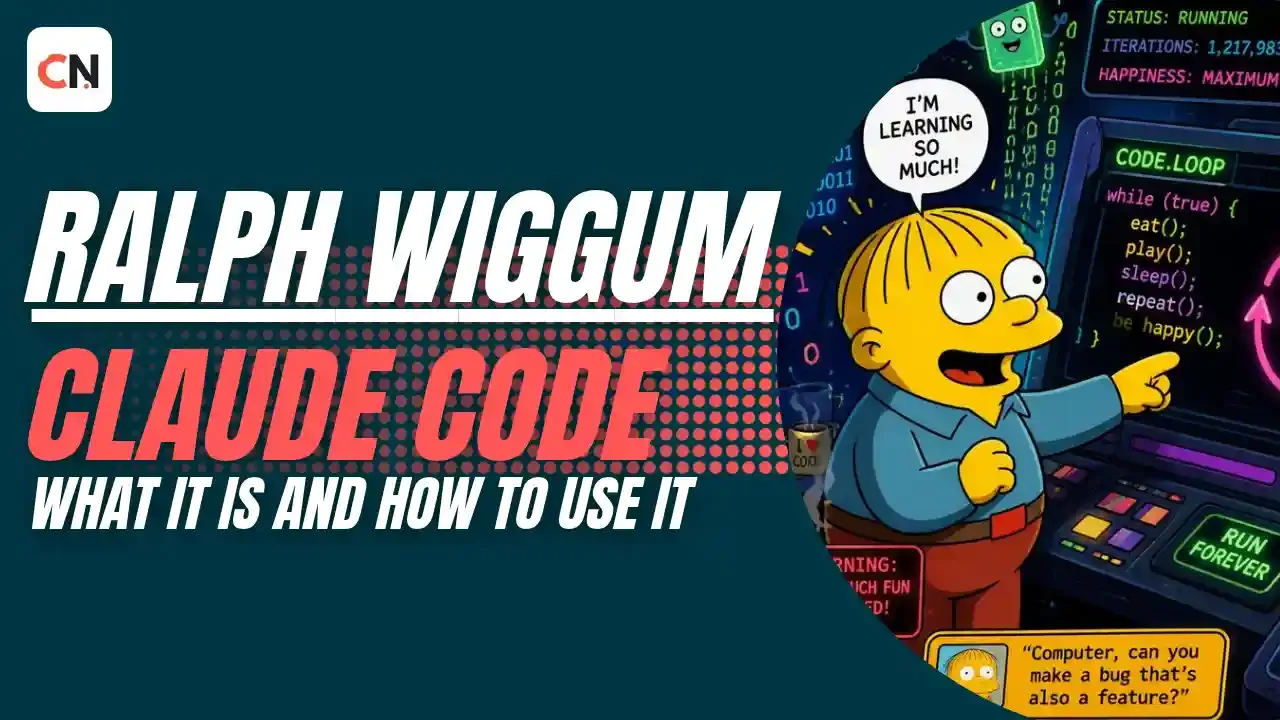
Ralph Wiggum Claude Code: What It Is and How to Use It
In early 2026, one of the most talked-about names in AI coding was a cartoon second-grader. Ralph Wiggum, the cheerful Springfield kid who once said, "Me fail English? That's unpossible," ended up on developer timelines, in terminals and inside a Claude Code plugin. Here is everything you need to know about the technique behind the name.
Ralph at a Glance
| Question | Short answer |
|---|---|
| What is it? | A loop that keeps feeding the same task to an AI coding agent until the work is done |
| Who made it? | Geoffrey Huntley, an Australian developer, around May 2025 |
| Why the name? | Named after the persistent, always-optimistic Simpsons character |
| Is there an official version? | Yes, a ralph-wiggum plugin for Claude Code |
| Built-in alternative? | /goal is the closest built-in command |
| Biggest risk? | Cost and unsupervised file and shell access |
Who Is Ralph Wiggum?
Ralph is Chief Wiggum's son on The Simpsons. He is wrong about almost everything and never lets it bother him. He tries again, gets it wrong again, and keeps going.
Developers noticed that AI coding agents behave the same way. They write code fast, they make mistakes, and an agent running in a loop will simply try again. The nickname fit before anyone attached it to a method.
Where the Ralph Technique Came From
According to VentureBeat, the technique came from Geoffrey Huntley, a former open source developer who had moved to raising goats in rural Australia. He wrote a tiny Bash script around May 2025 and jokingly named it after Ralph Wiggum. The core idea was to pipe the model's output, including failures and stack traces, back into its next attempt.
The simplest version of the loop looks like this:
while :; do cat PROMPT.md | claude -p; doneIt reads a prompt from a file, hands it to Claude Code, and does the same thing again as soon as the agent finishes. No fancy orchestration. Just a loop.
The method went viral in late 2025 and early 2026. Developer Matt Pocock described the dream behind it: waking up to working code because your coding agent has worked through your backlog. VentureBeat's coverage also quoted Tally CEO Dennison Bertram calling it the closest thing to AGI he had seen, which says more about the excitement than about the technique itself.
What the Ralph Loop Actually Does
The main problem Ralph tackles is context rot. In a long AI session, the context window fills up and the agent starts losing track of earlier details.
Ralph's answer is to stop depending on the agent's memory. Your files and git history already remember everything. So each run starts with a fresh context:
- The agent reads the task from
PROMPT.md. - It looks at the current state of the code in your repo.
- It works, runs tests, and sees the real errors.
- When it exits, the loop starts a new run with the same prompt.
Progress lives in your files, not in the model's head. A new run picks up from where the code actually is.
Why It Works Well With Claude Code
Claude Code runs in your terminal with direct access to your files, git history, tests and shell. That means each run sees real feedback: failing tests, error messages, linter output. It is not guessing from a description of the problem.
By late 2025, Anthropic's Boris Cherny, who leads Claude Code, formalized the idea into an official ralph-wiggum plugin, according to VentureBeat.
Ways to Use Ralph With Claude Code
Option 1: The original Bash loop
Write your task and your checks in PROMPT.md, then run the loop above. Press Ctrl+C to stop it, and review your git history to see what changed.
Because claude -p runs without a person to approve each step, you need to set up permissions on purpose. Run it only in a sandbox or a throwaway branch.
Option 2: The official plugin
Install it from inside Claude Code:
/plugin marketplace add anthropics/claude-code
/plugin install ralph-wiggum@claude-plugins-official
Then start a loop with a completion marker and an iteration limit:
/ralph-loop "Fix the failing auth tests. Output <promise>DONE</promise> when all tests pass." --max-iterations 20 --completion-promise "DONE"The plugin uses Claude Code's Stop hook. When Claude tries to finish, the hook checks for your marker. If it is missing, the prompt goes back in. You can cancel a running loop with /cancel-ralph. Always set --max-iterations.
Option 3: The built-in /goal command
This is the closest built-in option. You give Claude Code a condition and it keeps working across turns until the condition is met:
/goal all tests in test/auth pass and lint is cleanType /goal with no argument to see your current goal, or /goal clear to cancel it. One difference from classic Ralph: /goal continues inside your session, not with a fresh context on every pass.
Option 4: /loop for repeated checks
/loop runs a prompt repeatedly while your session stays open, either at an interval you pick (for example /loop 5m check if the deploy finished) or at a pace Claude chooses. It suits monitoring more than finishing a single task.
Option 5: /batch for big parallel jobs
For large changes across a codebase, /batch researches the code, splits the work into 5 to 30 independent units, and shows you a plan. Once you approve, it starts one background agent per unit, each in its own git worktree. Each agent implements its piece, runs tests and publishes its change. It needs a git repository.
What Ralph Is Good At
Ralph works best when a machine can tell whether the job is done:
- Bug fixes with reproducible tests
- Framework or language migrations with a clear target
- Writing tests until a coverage target is hit
- Well-specified new features with a test suite
The common thread is verification. Ralph does not succeed because it understands the problem better. It succeeds because it keeps trying until the checks pass.
Where Ralph Struggles
- Vague tasks. If "done" cannot be checked automatically, the loop has no way to stop.
- Architecture and judgment calls. The code may pass tests while the design reflects the agent's path, not a deliberate plan.
- Security-sensitive code. It needs human review.
- Interdependent work. Tasks that need long shared context fit poorly with fresh-context loops.
Risks to Know Before You Run It
- Cost. Loops with no limit keep spending. One guide estimates a 50-iteration loop can cost $50 to $100 or more in API usage, so treat that as a rough figure and always set an iteration cap.
- Permissions. An agent that edits files and runs commands on its own needs a sandbox or a separate branch.
- Infinite loops. A faulty completion check can make it run forever.
- Repeated failure. Without good tests, the agent can fail the same way again and again.
Start by watching the first few runs yourself before you let it run unattended.
Why Ralph Matters
Ralph shows a shift from AI as a helper that suggests code to AI as a worker you give a task and a definition of done. The skill moves from typing code to describing the task, defining how to verify it, and setting up safe conditions for the agent.
That same shift shows up across our other coverage: OpenAI's Codex taking over routine junior developer work, the Codex Micro keyboard built around agent status, and the risks of unsupervised agents in our Hugging Face AI cyberattack story. It also explains why Linus Torvalds says Linux is not an anti-AI project.
Frequently Asked Questions
What is the Ralph Wiggum technique?
It is a method that runs an AI coding agent in a loop, restarting it with the same prompt until the work is done. Progress is saved in your files and git history, not in the model's memory.
Who created the Ralph Wiggum technique?
Geoffrey Huntley, a former open source developer living in rural Australia, created it around May 2025 and named it after the Simpsons character.
Is there an official Ralph plugin for Claude Code?
Yes. Install ralph-wiggum@claude-plugins-official and start a loop with /ralph-loop. Use --max-iterations to limit cost and /cancel-ralph to stop it.
What is the difference between Ralph and the /goal command?
Both keep working until a condition is met. Classic Ralph restarts with fresh context each time, while /goal continues across turns inside your session.
Is the Ralph loop safe to run unattended?
Only with limits. Use a sandbox or separate branch, set an iteration cap, and write tests that clearly define "done."
Does Ralph work with tools other than Claude Code?
The idea is general, and other agents such as OpenCode have been used with similar loops. The best-known examples use Claude Code.

Sia is the co-founder of Corenexis and one of the earliest voices shaping its editorial direction. With years of hands-on experience covering AI and technology, she has been writing about the digital world long before it became everyone's favorite topic — and she still does it better than most.
View all posts by Sia →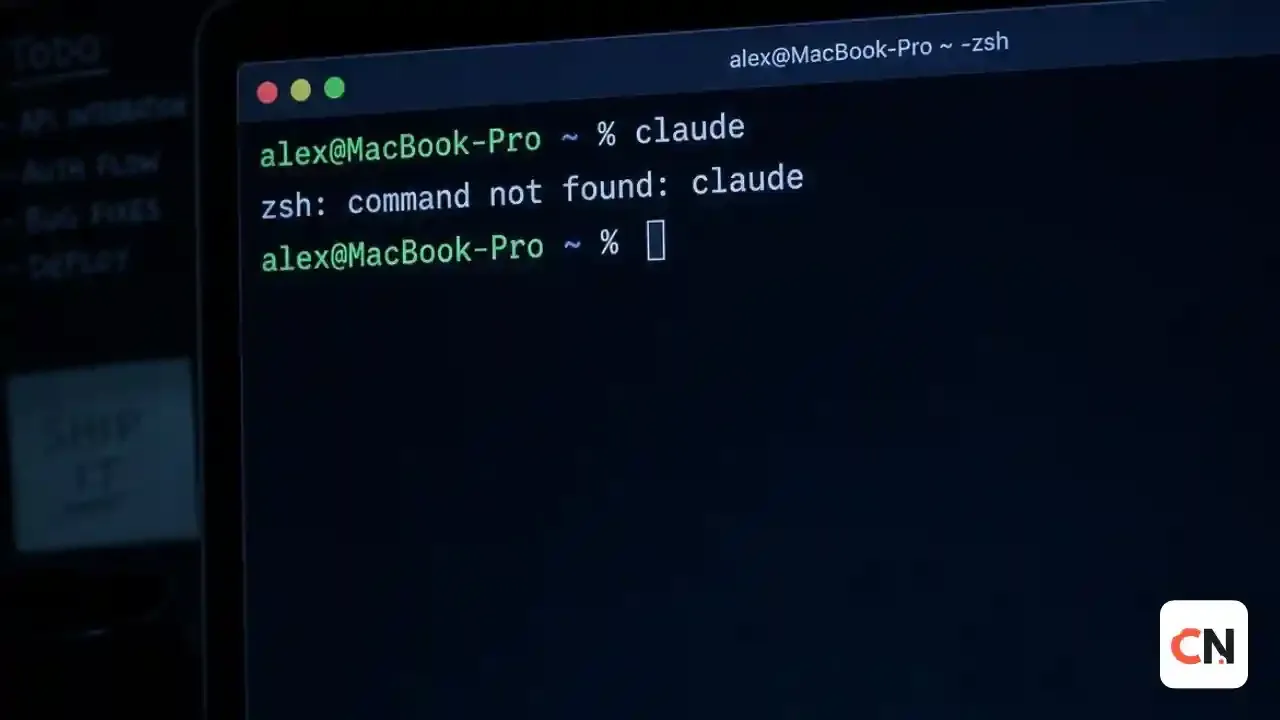
0 Comments
Community guidelines
We want the comments to be useful for every reader. Every comment is reviewed before it is published. A comment will not be approved if it is:
Keep it genuine and on-topic and it will be approved quickly. Thank you for helping keep the discussion clean.