
How to Use Poe AI: A Simple Step-by-Step Guide
Poe is Quora's AI platform, and it's one of the easiest ways to use several top AI models — like ChatGPT, Claude, and Gemini — all from one place. The catch for most beginners is just not knowing where to start.
This guide walks you through it one step at a time, from creating your account to sending your first message and even building your own custom bot. No technical skills needed.
Quick note before you begin: even though Poe is made by Quora, you don't use it inside the Quora Q&A site. You access it at poe.com on a browser, or through the Poe app on your phone. That's the first thing to get right.
Step 1: Open Poe
Go to poe.com in any web browser, or download the Poe app from the App Store (iPhone) or Google Play (Android). Both work the same way and stay in sync, so you can start on one device and continue on another.
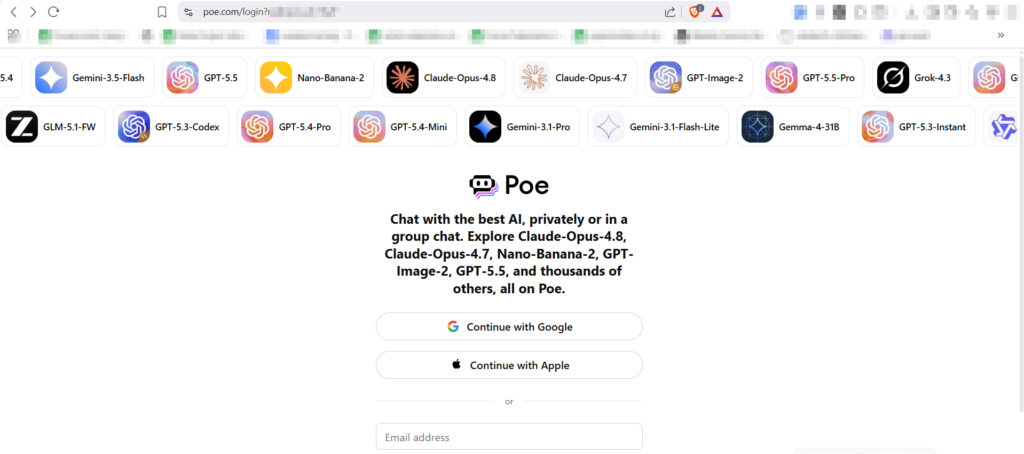
Open Poe in your browser at poe.com, or grab the app on your phone.
Step 2: Create your account
Click Sign up. You can register quickly using a Google or Apple account, or with your email and phone number. You don't need to enter any card details to get started — the free plan is enough to explore everything.
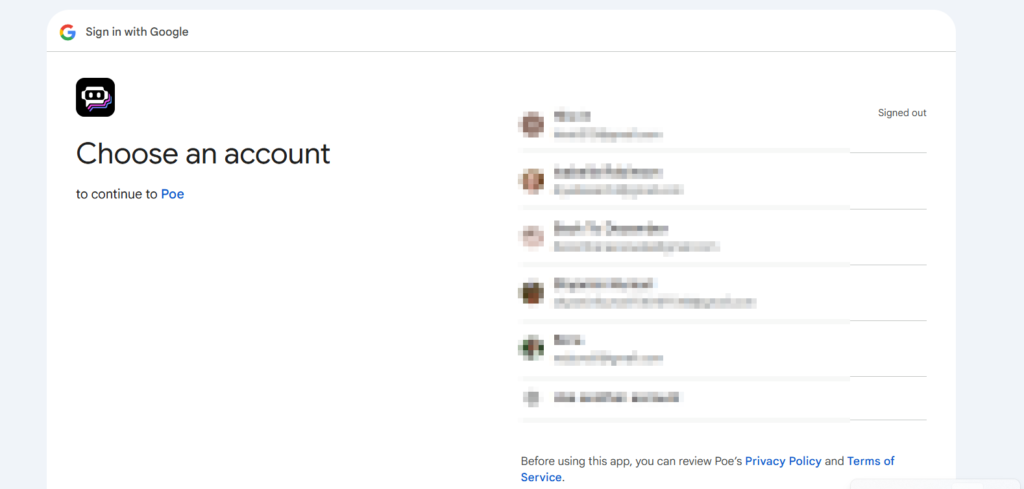
Sign up free with Google, Apple, or your email — no card required.
Step 3: Get familiar with the home screen
Once you're in, you'll see the main screen. On one side there's a list of AI models (Poe calls them "bots") — things like GPT, Claude, and Gemini. In the middle is your chat area. Take a moment to look at the model list, because choosing the right one is the whole point of Poe.
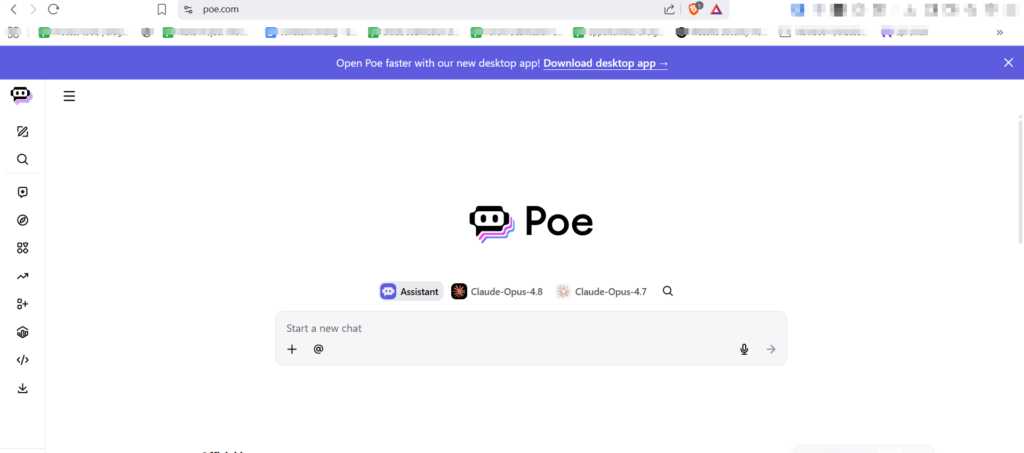
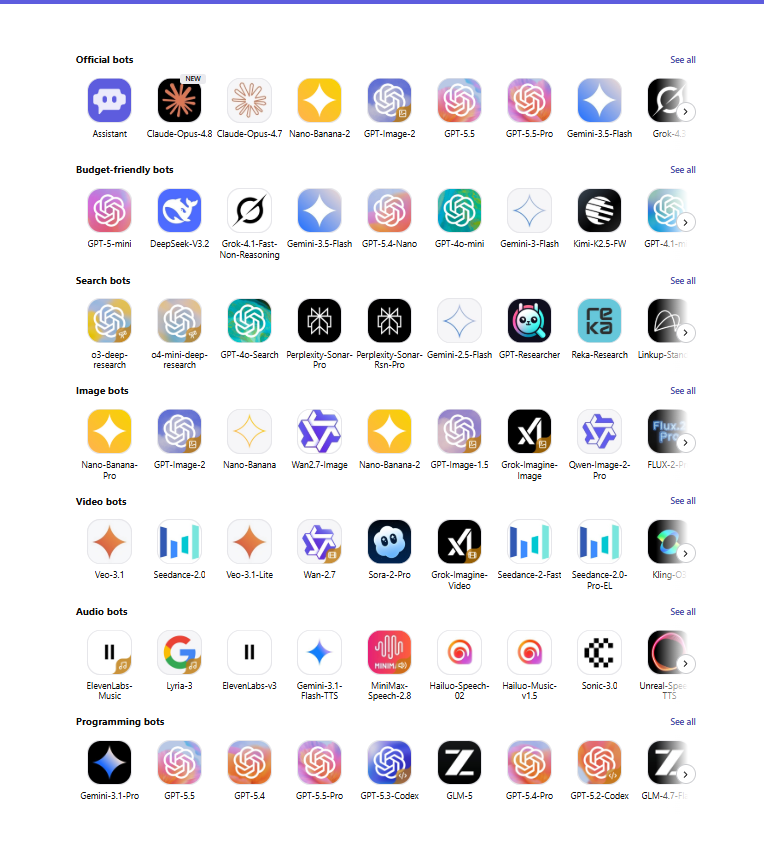
The home screen: your model list on the side, chat area in the middle.
Step 4: Pick a model (bot)
Click any bot to select it. Each model is good at slightly different things — some are stronger at writing, others at coding, math, or creative tasks.
If you're not sure which to pick, start with the free Assistant bot. It's Poe's own general-purpose bot, available on the free plan, and it automatically chooses a good model for your question — so you don't have to decide between GPT, Claude, or Gemini yourself. It's the easiest way to begin, and you can always switch to a specific model later.
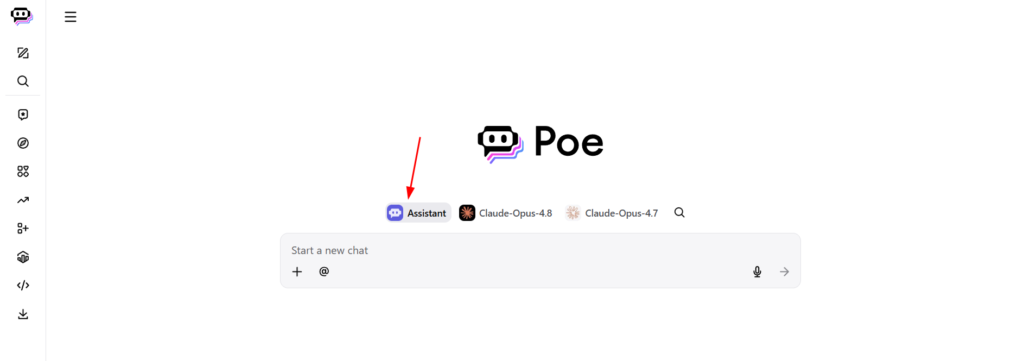
Beginners can start with the free Assistant bot — it picks a good model for you automatically.
Step 5: Type your first message
Click the text box at the bottom, type your question or request, and hit send — exactly like any chat app. The bot will reply in a few seconds. You can keep the conversation going with follow-up questions, and it remembers the context of your chat.
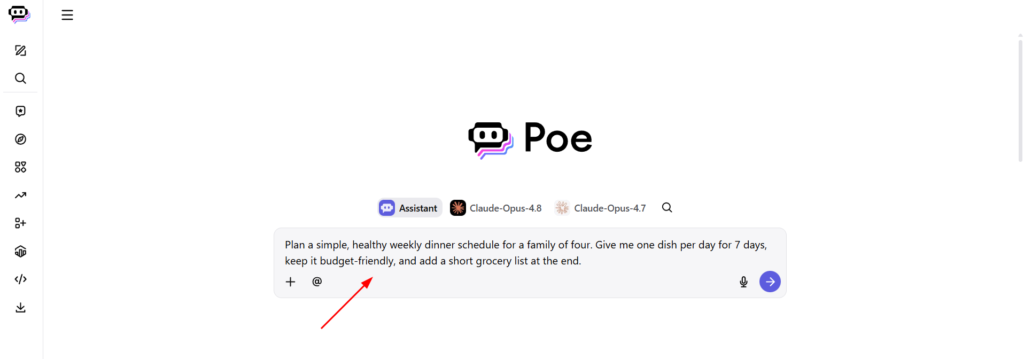
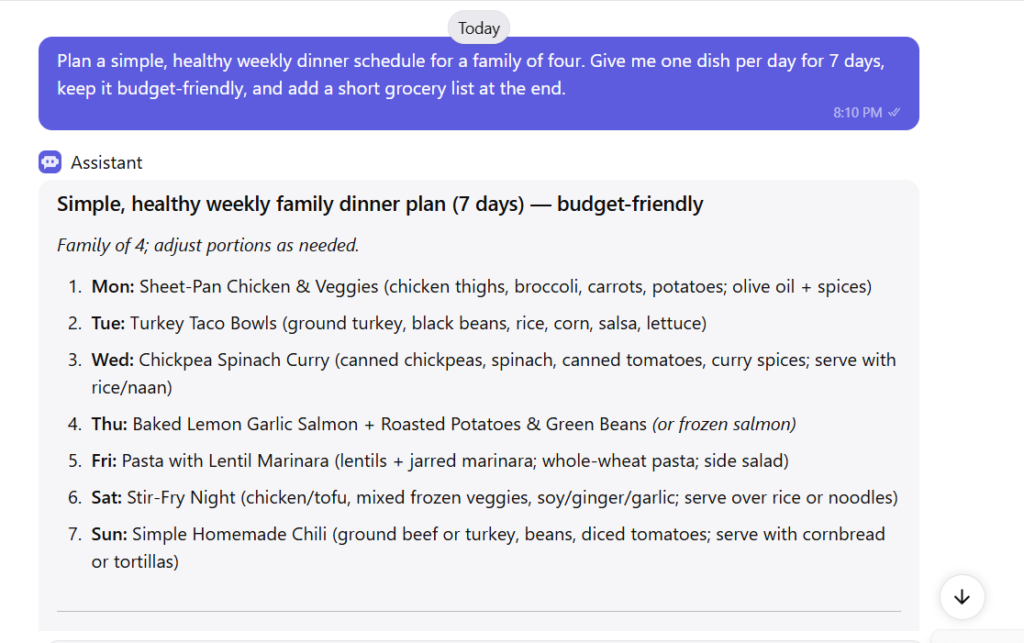
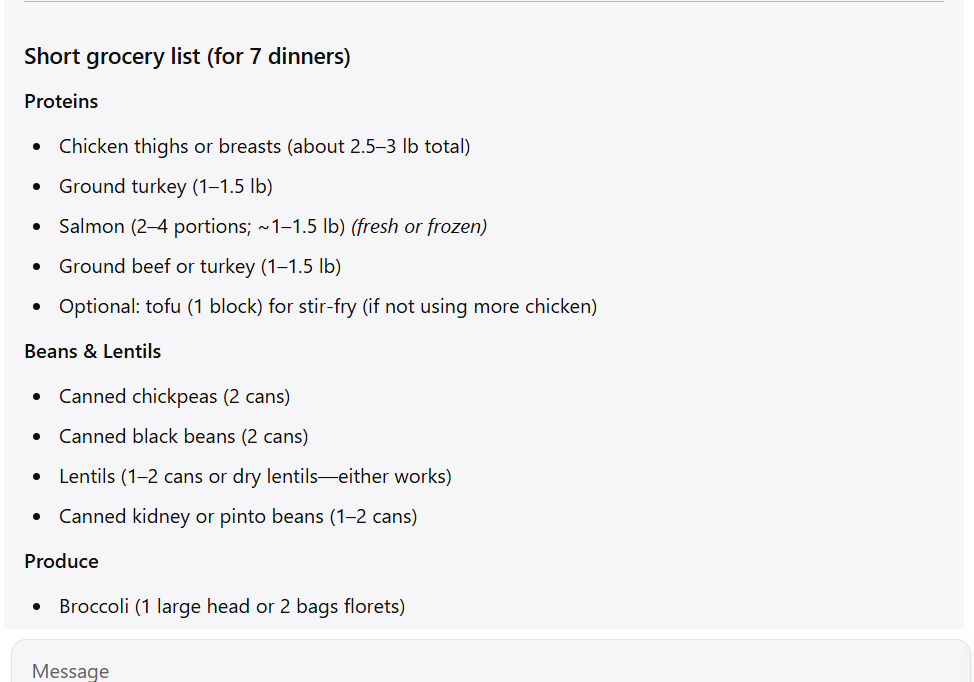
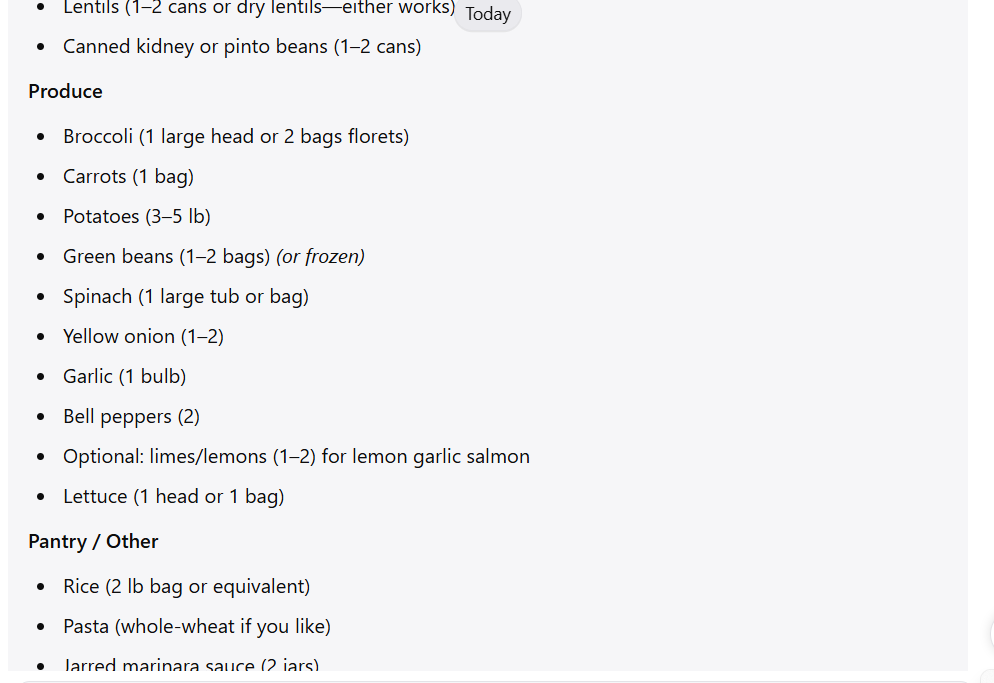

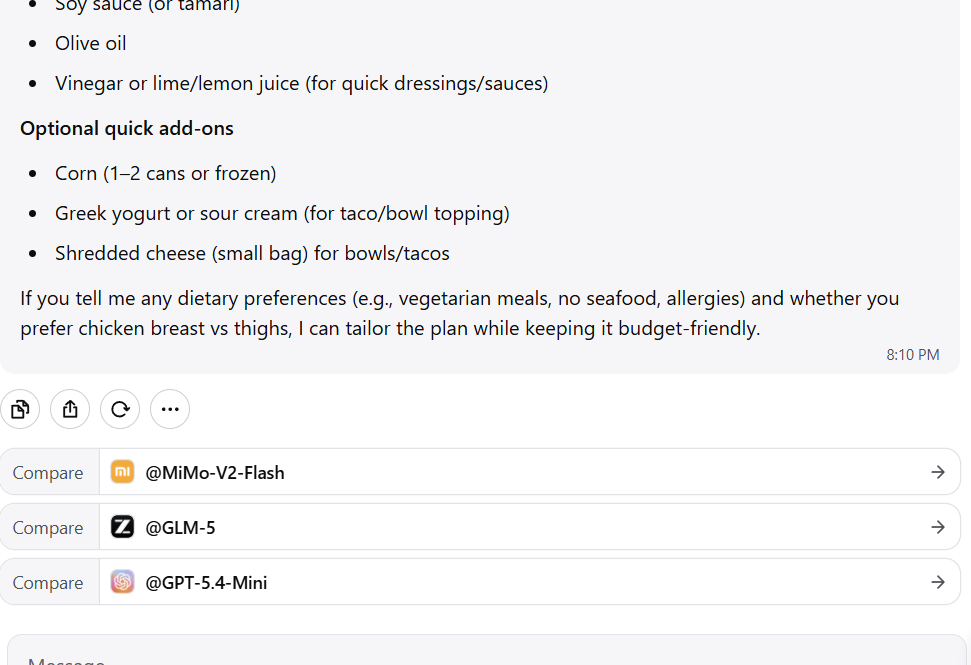
Type your prompt, send it, and the model replies in seconds.
Step 6: Switch models to compare answers
This is where Poe really shines. If an answer feels weak, copy your question, open a different model, and ask the same thing. Comparing how two or three models handle the same prompt helps you find the best result — all without leaving the app or paying for separate subscriptions.
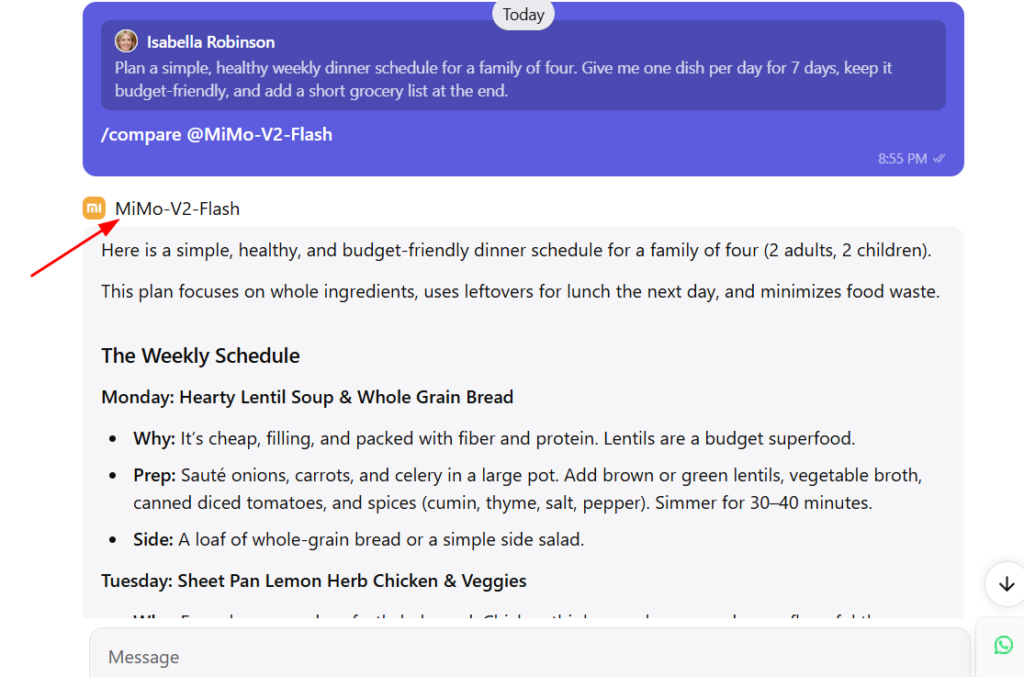
Send the same prompt to different models and compare the results.
Step 7: Use files, images, and web search
Poe does more than text. You can attach a file — like a PDF or spreadsheet — and ask a model to summarize or analyze it. You can generate images from a text description, and some bots can search the web and show their sources. Look for the attachment and tools icons near the message box.
Step 8: Create your own custom bot (optional)
When you're comfortable, you can build your own bot. Look for the Create option, give your bot a name, choose which model powers it, and write simple instructions in plain language — for example, "always reply in a friendly, casual tone." No coding required. You can keep it private or share it with others.
Step 9: Keep an eye on your points
Poe runs on a points system — every message uses some points, and more advanced models use more per reply. The free plan gives you a daily amount to spend. If you find yourself running out, you can upgrade to a paid plan for more usage. Your points balance is shown in your account settings.
A few tips to get more out of Poe
- Be specific in your prompts. Clear instructions get better answers from any model.
- Match the model to the task. Try a couple and notice which one fits your kind of work.
- Start free. Spend a few days on the free plan before deciding whether a paid plan is worth it.
- Save useful bots. If a custom bot works well for you, you'll reach for it again and again.
Frequently asked questions
Do I use Poe inside the Quora website?
No. Poe is made by Quora, but you use it separately at poe.com or in the Poe app — not within the Quora Q&A site.
Is Poe AI free to start?
Yes. You can sign up free, with no card details, and get a daily allowance of points to use across models.
Which models can I use on Poe?
Major ones like GPT, Claude, and Gemini, plus image and video models and many community-built bots.
Do I need coding skills to use Poe or build a bot?
No. Everything, including creating your own custom bot, works through plain language and a simple interface.
Can I use Poe on my phone?
Yes. There are apps for iPhone and Android, and your chats sync with the web version.

Sia is the co-founder of Corenexis and one of the earliest voices shaping its editorial direction. With years of hands-on experience covering AI and technology, she has been writing about the digital world long before it became everyone's favorite topic — and she still does it better than most.
View all posts by Sia →

0 Comments
Community guidelines
We want the comments to be useful for every reader. Every comment is reviewed before it is published. A comment will not be approved if it is:
Keep it genuine and on-topic and it will be approved quickly. Thank you for helping keep the discussion clean.