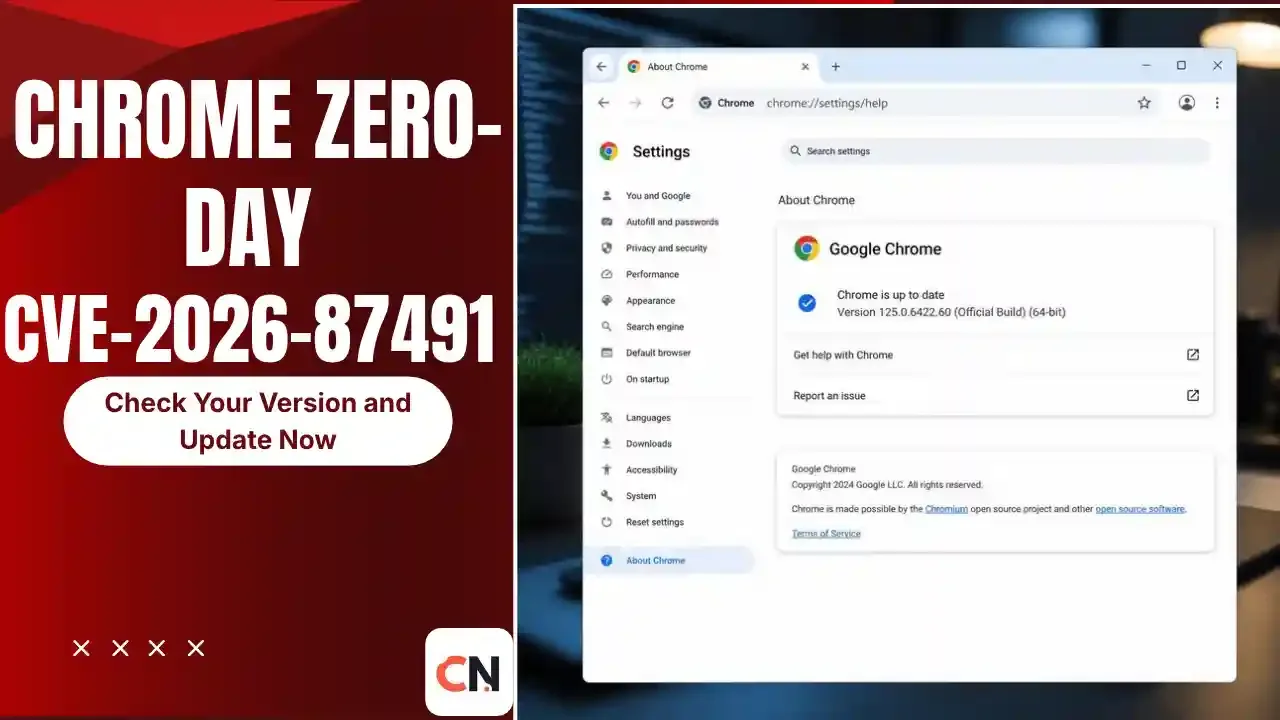
Chrome Zero-Day CVE-2026-87491: Check Your Version and Update Now
Check this first (30 seconds)
Openchrome://settings/helpin Chrome. If the version number starts with 153.0.8010.36 or anything higher, you already have the fix. If it is lower, update and restart the browser before you do anything else.
Google has confirmed that an exploit for CVE-2026-87491 exists in the wild. That is the wording Google uses when attackers are already using a bug against real users, and it is the reason this flaw deserves a quick look even though the patch has been out since September 9, 2026.
What is CVE-2026-87491?
It is an out-of-bounds write bug in V8, the engine that runs JavaScript and WebAssembly inside Chrome. The National Vulnerability Database describes it as a flaw that let a remote attacker execute arbitrary code inside the browser sandbox through a crafted HTML page.
In plain words: a booby-trapped web page could make Chrome write data to a memory area it should not touch. Visiting that page is enough to trigger it. No download or password entry is needed, but the victim does have to open the page.
Which Chrome version fixes it?
| Platform | Fixed version |
|---|---|
| Windows | 153.0.8010.36 or later |
| macOS | 153.0.8010.37 or later |
| Linux | 153.0.8010.36 or later |
Any build older than 153.0.8010.36 is listed as affected in the NVD record. Chrome has moved on since then, and the stable channel was updated again on October 1, 2026, so a normally updating browser should be well past the fixed version.
How to update Chrome
- Open Chrome and type
chrome://settings/helpin the address bar. - Chrome checks for updates on its own and downloads the latest build.
- Click Relaunch. The patch only applies after a restart, and this is the step people skip most.
- Reopen the same page and confirm the version number.
On Linux, update through your package manager (for example sudo apt update && sudo apt upgrade on Ubuntu or Debian). On Android, open the Google Play Store, search for Chrome and tap Update if the button is there.
What about Edge, Brave and other Chromium browsers?
V8 is part of the Chromium project, so other browsers built on it can be exposed to the same class of bug until their makers ship the upstream fix. Each vendor releases on its own schedule. Check the About page of your browser (Edge, Brave, Opera, Vivaldi) and install any pending update rather than assuming Chrome's version number applies.
Is this the only Chrome zero-day this year?
No. BleepingComputer, Help Net Security and Security Affairs all count CVE-2026-87491 as the seventh actively exploited Chrome zero-day patched in 2026. CISA's Known Exploited Vulnerabilities catalog confirms three of them from the second half of the year:
| CVE | Added to CISA catalog | Type |
|---|---|---|
| CVE-2026-11645 | June 9, 2026 | V8 out-of-bounds read and write |
| CVE-2026-85046 | September 4, 2026 | V8 type confusion |
| CVE-2026-87491 | September 9, 2026 | V8 out-of-bounds write |
Three V8 bugs in one year is why browser updates should not sit in the "later" pile.
How worried should you be?
Realistically, moderately. Two details help put it in proportion:
- Chromium rated it Medium, because the code runs inside the sandbox. A NVD secondary score lists 8.8 (High), so you will see both labels in different articles. They describe the same bug scored by different bodies.
- Google has not shared attack details. There is no public information on who was targeted or how. In similar cases, a sandbox bug like this is only one piece of a bigger attack, but that is general background and not something Google has said about this CVE.
The practical takeaway is simple. If your browser auto-updates and you restart it regularly, you are almost certainly covered. The people at risk are those who leave Chrome open for weeks without relaunching.
Latest Updates
- October 4, 2026: CISA's catalog release of this date still lists CVE-2026-87491 as the most recent Chromium entry. No newer actively exploited Chrome bug showed up in it.
- October 1, 2026: Chrome stable moved to 154.0.8037.97 on Windows, Mac and Linux, with a new batch of security fixes.
- September 23, 2026: Deadline CISA set for US federal agencies to apply the fix for CVE-2026-87491.
- September 9, 2026: Google patched CVE-2026-87491 in Chrome 153.0.8010.36 and confirmed an exploit exists in the wild. CISA added it to its catalog the same day.
We will update this section when Google announces another exploited Chrome bug.
FAQ
Is Chrome safe to use right now?
Yes, once it is updated. Check chrome://settings/help and relaunch. Any version at or above 153.0.8010.36 contains the fix for this bug.
How do I know if I was attacked?
There is no simple way for a home user to tell, and Google has not published indicators for this flaw. If your browser was updated long ago and you noticed odd behavior, update, restart, and run a scan with your security software.
Does Incognito mode protect me?
No. Incognito only changes what Chrome saves locally. The bug is in the JavaScript engine, which runs the same way in private windows.
Do I need to uninstall Chrome?
No. Updating is enough.
Why does Chrome need a restart?
The new code is downloaded in the background, but the running browser keeps using the old version until you relaunch it.
Is this the same as the May 2025 Chrome warning?
No. That was a different flaw. You can read about it in our earlier post on the Chrome security warning for update your browser, but the steps to stay safe are the same: update and restart.

Sia is the co-founder of Corenexis and one of the earliest voices shaping its editorial direction. With years of hands-on experience covering AI and technology, she has been writing about the digital world long before it became everyone's favorite topic — and she still does it better than most.
View all posts by Sia →


0 Comments
Community guidelines
We want the comments to be useful for every reader. Every comment is reviewed before it is published. A comment will not be approved if it is:
Keep it genuine and on-topic and it will be approved quickly. Thank you for helping keep the discussion clean.