
ChatGPT Atlas: OpenAI's AI Browser — Features & How to Access
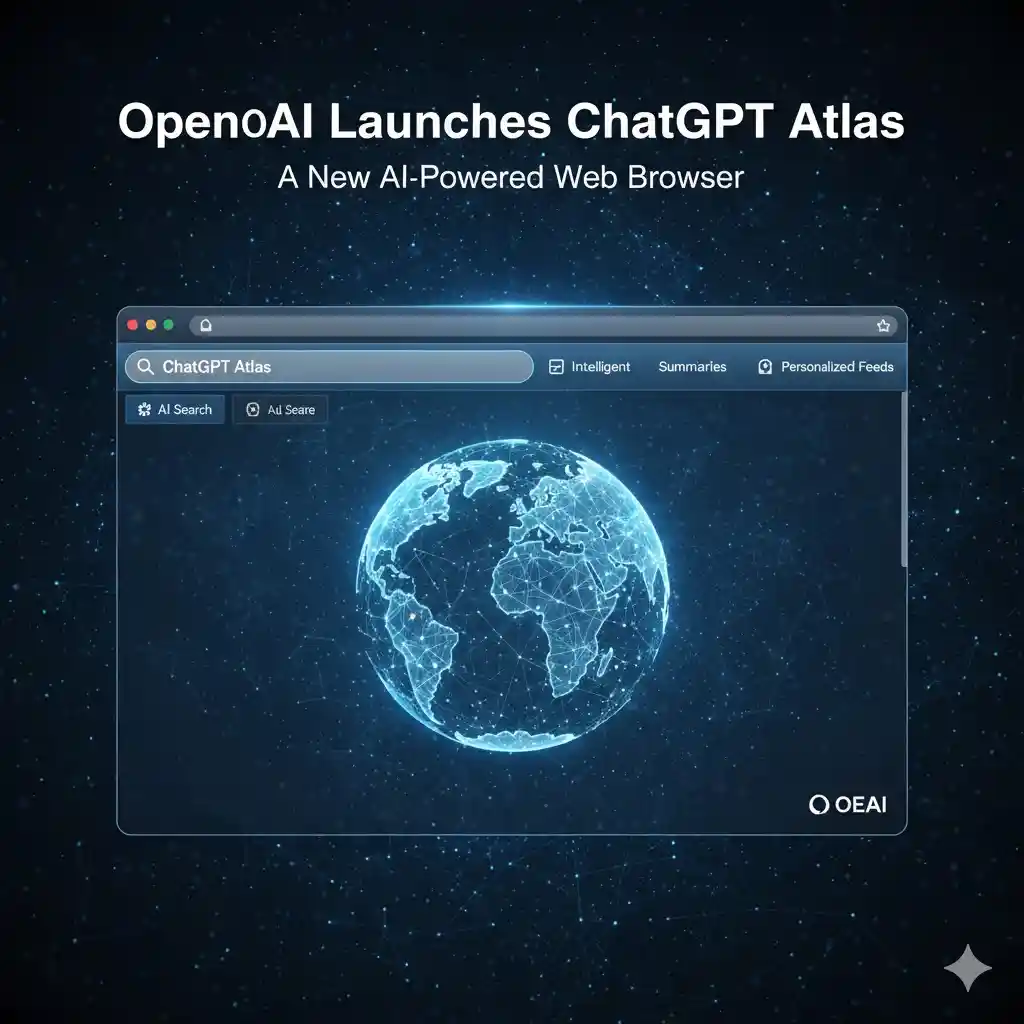
In a major move to redefine web browsing, OpenAI officially launched ChatGPT Atlas on October 21, 2025 — an AI-integrated web browser that builds ChatGPT directly into the browsing experience. Initially available for macOS, with Windows, iOS and Android versions confirmed as "coming soon", Atlas aims to challenge browsers like Google Chrome by putting an AI assistant in the sidebar of every page.
What is ChatGPT Atlas?
ChatGPT Atlas is a Chromium-based web browser with ChatGPT built in. Instead of opening a separate app or website, you interact with the AI directly inside the browser — it can see the page you are on and help you act on it. Core capabilities include:
- Webpage summarization: quickly summarise any article or page.
- Task assistance: help with emails, reports, research and other writing.
- Comparison & analysis: compare products, services or information side by side.
- Form filling & reservations: auto-fill forms and assist with bookings.
Key Features of ChatGPT Atlas
- Integrated ChatGPT sidebar: a persistent sidebar lets you summarise, compare, analyse and rewrite content on any page — no tab switching needed.
- Context-aware AI assistant: Atlas understands the current page, your open tabs and (with permission) your login status, giving more relevant answers while you research, shop or write.
- In-line writing assistance: edit emails, fill forms or draft documents right inside the browser, without copy-pasting into a separate tool.
- Built-in memory & privacy controls: the optional "browser memories" feature remembers context from sites you visit. You can view, edit or delete memories, and opt out of having your browsing used to train AI models.
- Agent Mode (preview): available to ChatGPT Plus, Pro and Business users, Agent Mode lets Atlas autonomously research, plan and complete tasks such as booking based on your preferences.
Privacy and Security Considerations
OpenAI emphasises privacy with incognito mode, memory controls and parental settings. However, security experts have flagged risks such as "prompt injection", where malicious page content could trick the AI assistant. Enable memory and agent features thoughtfully, and understand what each permission does before turning it on.
Availability and Download
ChatGPT Atlas is available now on macOS for Free, Plus, Pro and Go users worldwide, with beta access for Business users. To get started, visit chatgpt.com/atlas and import your saved passwords, bookmarks and history from another browser. For a full walkthrough, see our ChatGPT Atlas on Mac install guide.
When Will Windows, iOS and Android Versions Launch?
Right now Atlas is officially macOS-only. OpenAI has confirmed that Windows, iOS and Android versions are in development and "coming soon", but no exact release date has been announced. The Windows build is widely expected to follow first.
How Windows, iOS and Android Users Can Access ChatGPT Atlas Now
Until the native apps arrive, you can get a very similar experience for free on any device by running ChatGPT as an app-like window:
On Windows
- Any browser: open chat.openai.com in Chrome, Edge or Firefox to use ChatGPT's core features.
- Install as a web app (PWA): in Chrome, open chat.openai.com → Menu → More Tools → Create Shortcut → tick "Open as window" → Create. You now have a standalone, app-like ChatGPT window.
On iPhone / iPad
- Open chat.openai.com in Safari → tap Share → Add to Home Screen → name it → Add.
On Android
- Open chat.openai.com in Chrome → Menu → Add to Home Screen → name it → Add.
These shortcuts give you an app-like ChatGPT on your device. Atlas-specific features (sidebar, Agent Mode, browser memories) still require the macOS app for now.
Alternatives If You Can't Wait
Want AI-powered browsing on Windows today? Try:
- Perplexity's Comet browser — AI search and assistance built into the browser.
- Arc Browser — modern browser with built-in AI tools.
- Google Chrome + Gemini — AI-powered search and page assistance.
Conclusion
ChatGPT Atlas points to the future of AI-assisted browsing — a fast, smart and personalised experience with ChatGPT always one click away. macOS users can try it today, and Windows, iOS and Android users can either use the web-app method above or a capable alternative until the native versions ship.
Frequently Asked Questions
Is ChatGPT Atlas available for Windows?
Is ChatGPT Atlas free?
What is Agent Mode in ChatGPT Atlas?
Is ChatGPT Atlas safe to use?

Sia is the co-founder of Corenexis and one of the earliest voices shaping its editorial direction. With years of hands-on experience covering AI and technology, she has been writing about the digital world long before it became everyone's favorite topic — and she still does it better than most.
View all posts by Sia →


0 Comments
Community guidelines
We want the comments to be useful for every reader. Every comment is reviewed before it is published. A comment will not be approved if it is:
Keep it genuine and on-topic and it will be approved quickly. Thank you for helping keep the discussion clean.